
Week 31
- Draw a diagram of your preferred workflow and explain why you take certain steps
- Create a checklist for your workflow
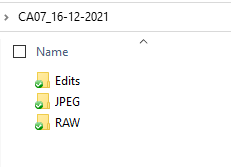
- Take a screenshot of your folder structure
- Explain why creating backups are so important
- Complete the Exercise Files from Photoshop 2021 Essential Training: The Basics by Julianne Kost
DIAGRAM

CHECKLIST
- Set up the camera (format, white balance, ISO, mode…)
- Delete bad shots after the photoshoot
- Import photos to computer
- Second back-up to external hard drive if necessary
- Organise photos in folders
- Review and pick best shots
- Import to Lightroom and enhance photos
- Save as JPEG (web) or TIFF/PDF (print)
- Export photos to an external hard drive
FOLDER STRUCTURE
BACK-UPS
Backing up your photos is vital since digital data can be lost quite easily due to loss/theft of a camera, accidentally deleting images, corruption of cards, etc. It will prevent you from losing hours of hard work and, save you from the situation to have to tell your client that you have lost everything, especially if it is a one-time event such as a wedding. You should back your photographs up as soon as possible in at least 2 different locations.
Photoshop 2021 Essential Training: The Basics
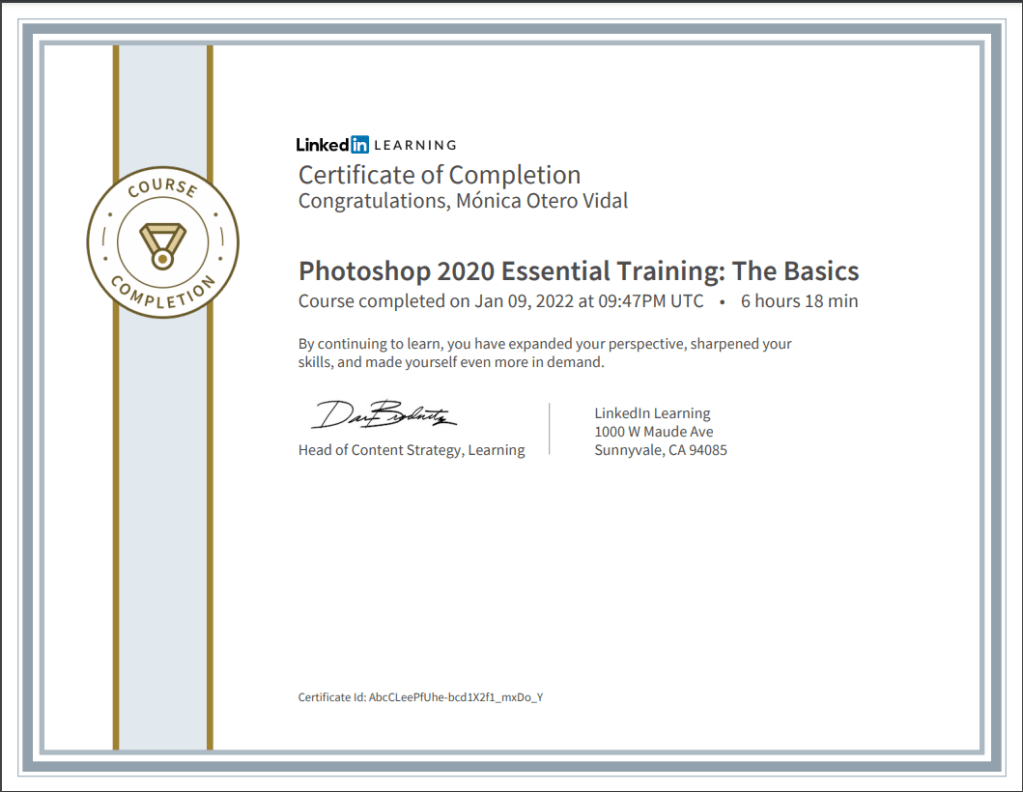
I had completed most of the 2020 version of the same tutorial during GRA1, so I rewatched what I felt needed refreshing and finished the unwatched videos. I compared the contents of both tutorials and they are almost identical. Here is the Certificate of Completion.
 Mónica's Design Journey