Creating an Animation in After Effects

Week 27

Work through my sunrise example step-by-step. Upload your version of this project to your WordPress blog. Please note, you will make a better impression if you make this animation your own. Don’t be scared to take things a little further and experiment.

Now you need to come up with a unique animation concept of your own. Create a storyboard for this concept. (Make sure that your idea is not too complicated, but don’t limit yourself by making it overly simple.) Scan your sketches in and upload it to your WordPress blog.
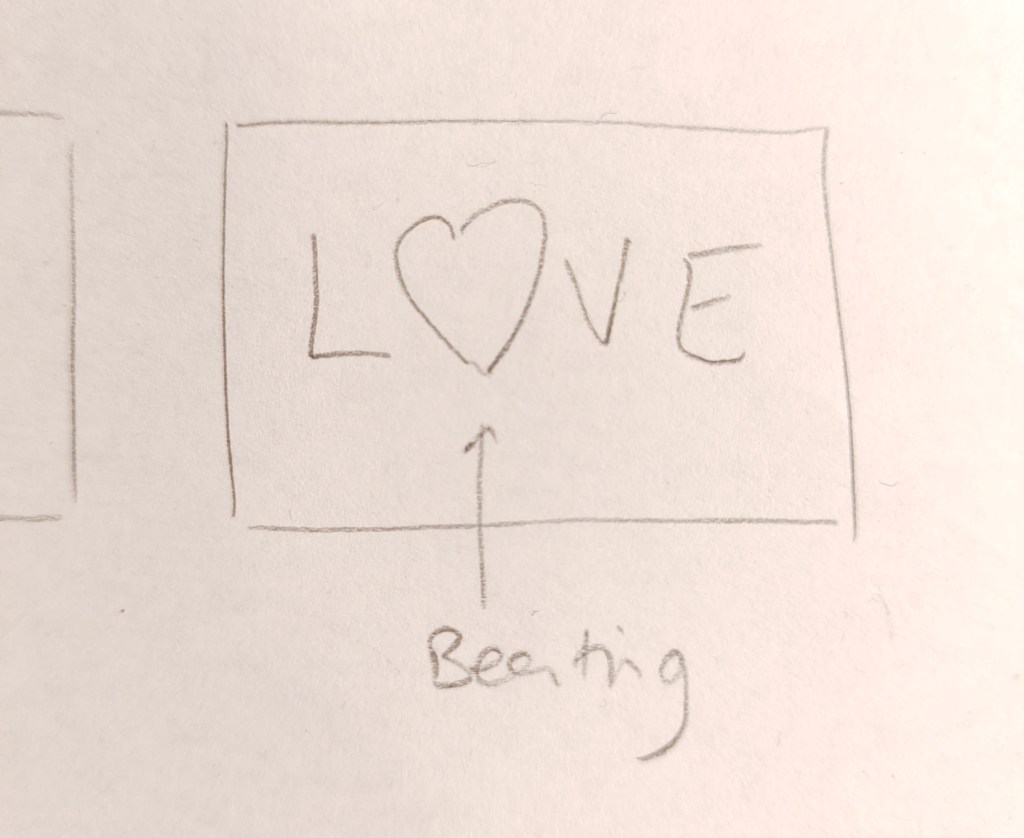
The next step is to create the file and folder structure. Please take a screenshot of your folder structure and hand it in along with your project.
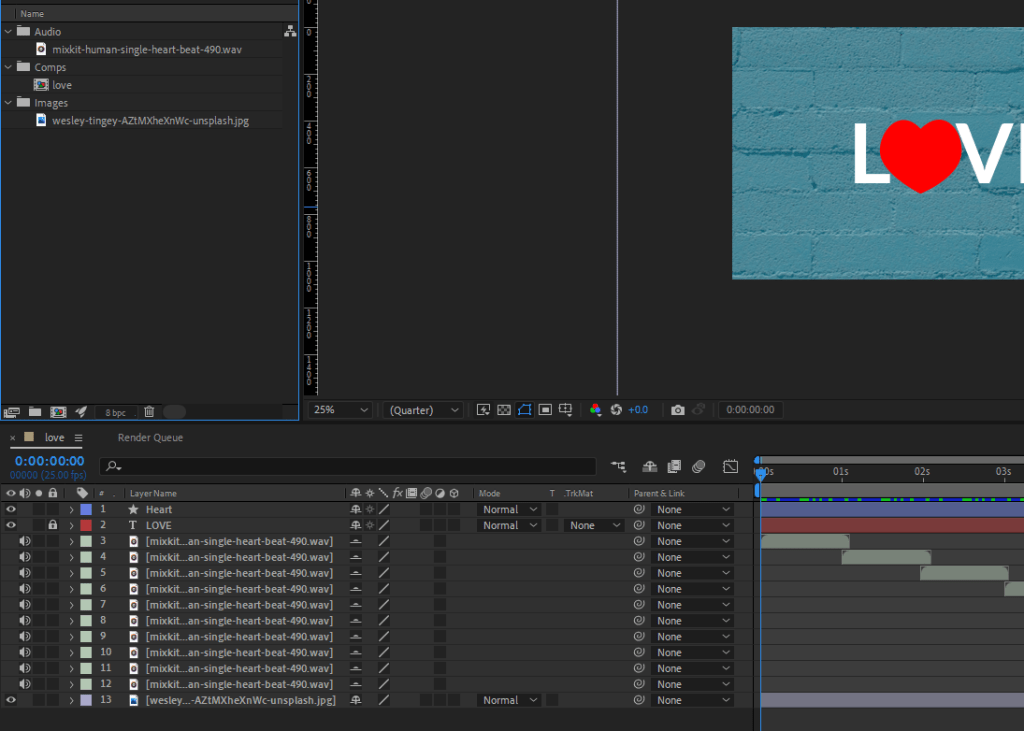
Create your animation in After Effects. Upload your project file and your rendered animation to your WordPress blog.
Applying Basic Animation Principles

Week 26

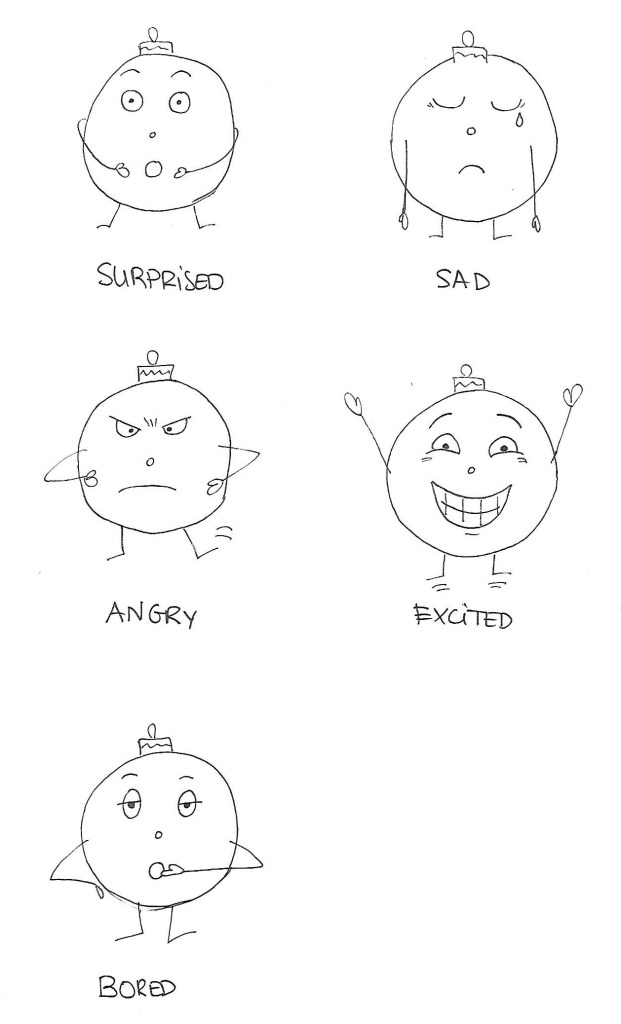
Create a character. This character can be a letter, a person, an animal or any type of illustration, use your imagination. This character will play the main role in your animation.

Take this character and draw it in five different exaggerated poses. In each of these poses, the character has to express some kind of emotion (like love, anger, dislike, distaste, happiness and so on). Keep the animation principles in mind when you draw your character.

I chose a Christmas ornament as my character.

Playing with ideas

Week 24

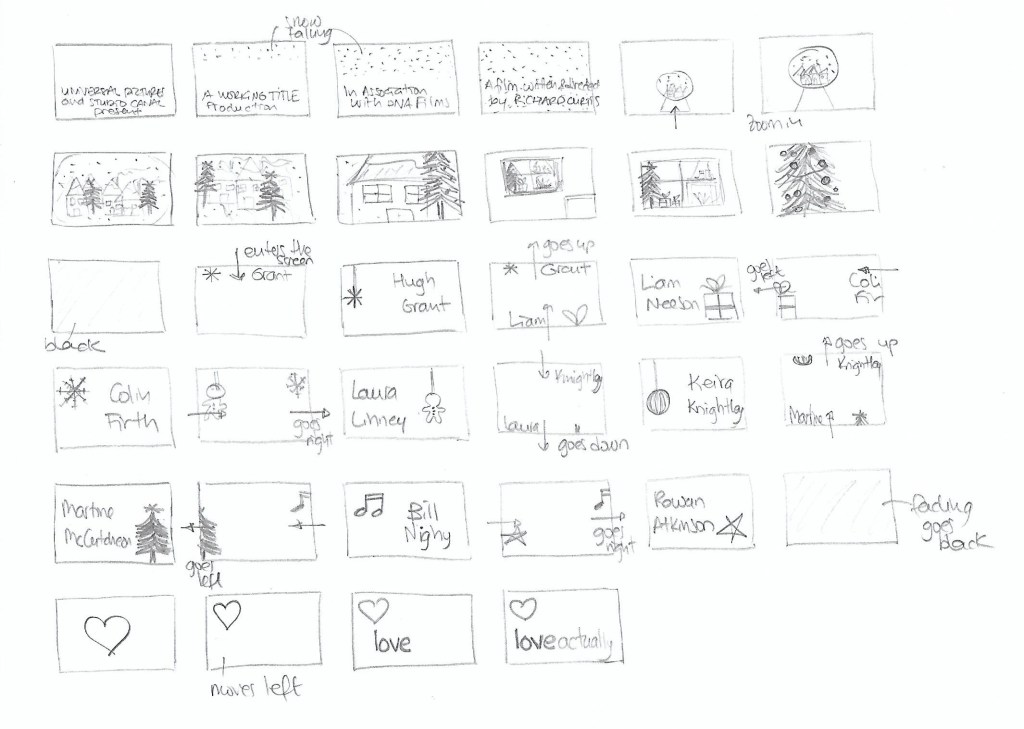
If the idea is at the heart of everything, then I would like you to think of a movie that you love. Then look at its current title sequence and come up with a new one. 

Sketch up the rough idea in the form of a storyboard. Your storyboard needs to be at 30 frames and should be for at least 1 minute of motion design.

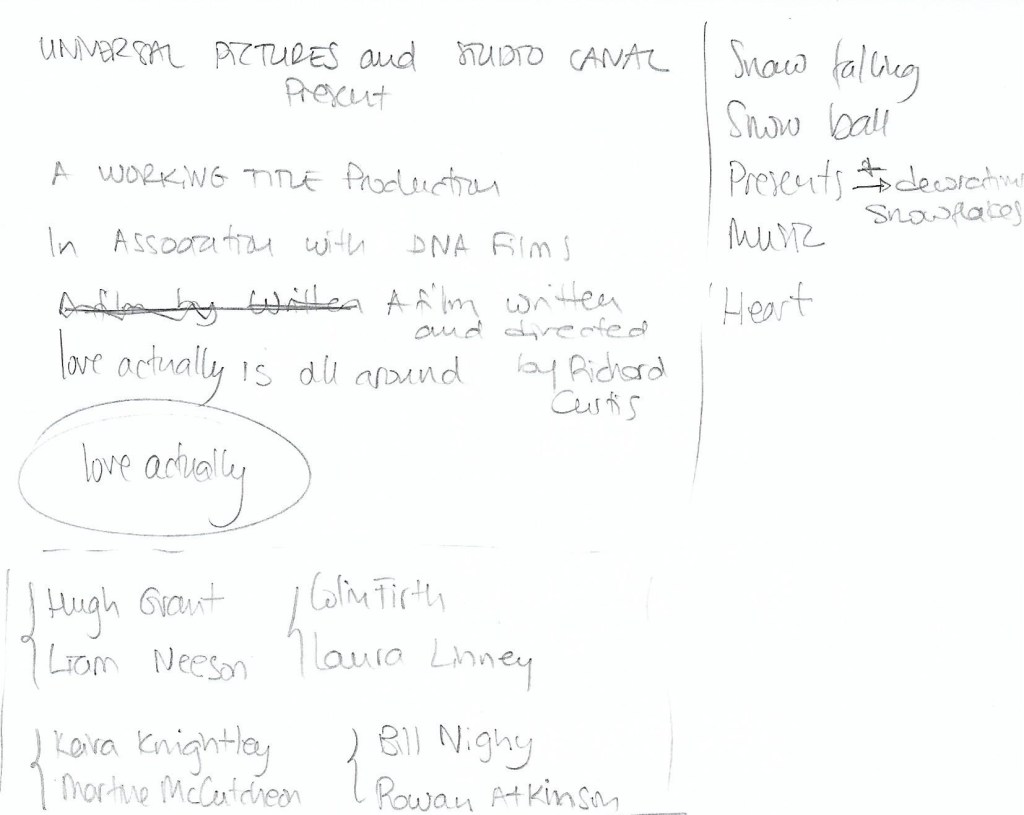
I chose Love Actually, one of my favourite movies. After watching its current title, I wrote down some ideas and titles, as well as the names of the main cast.

After that, I sketched up the storyboard in what ended up being 34 frames.