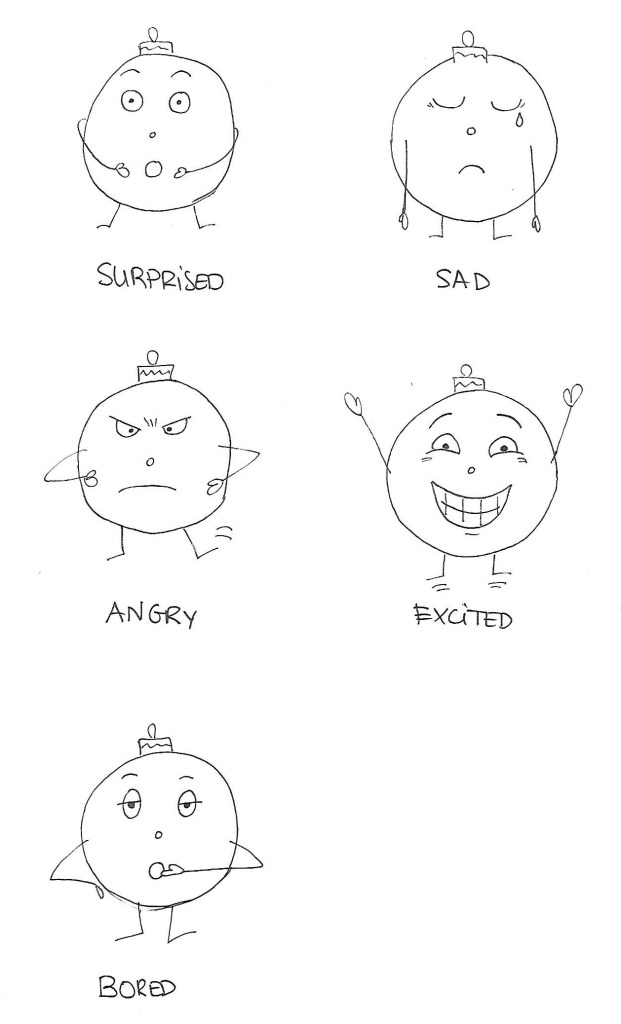
Create a character. This character can be a letter, a person, an animal or any type of illustration, use your imagination. This character will play the main role in your animation.
Take this character and draw it in five different exaggerated poses. In each of these poses, the character has to express some kind of emotion (like love, anger, dislike, distaste, happiness and so on). Keep the animation principles in mind when you draw your character.
For this week’s Learning Activity I had to make an illustration for fruit juice packaging. The flavour is orange and banana, and the name of the product is Loose Juice.
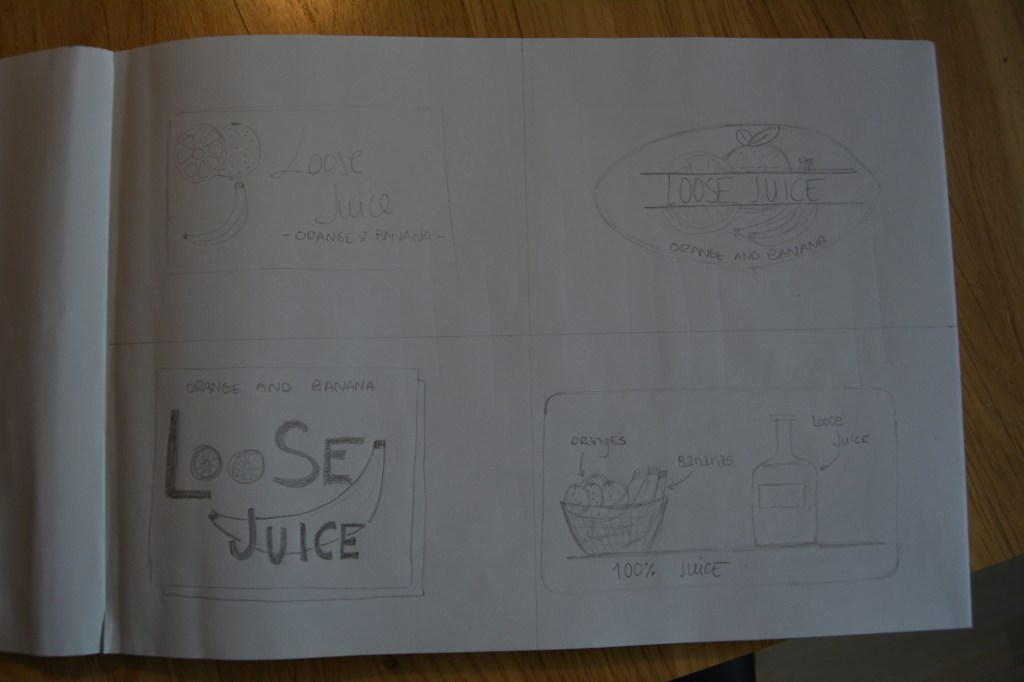
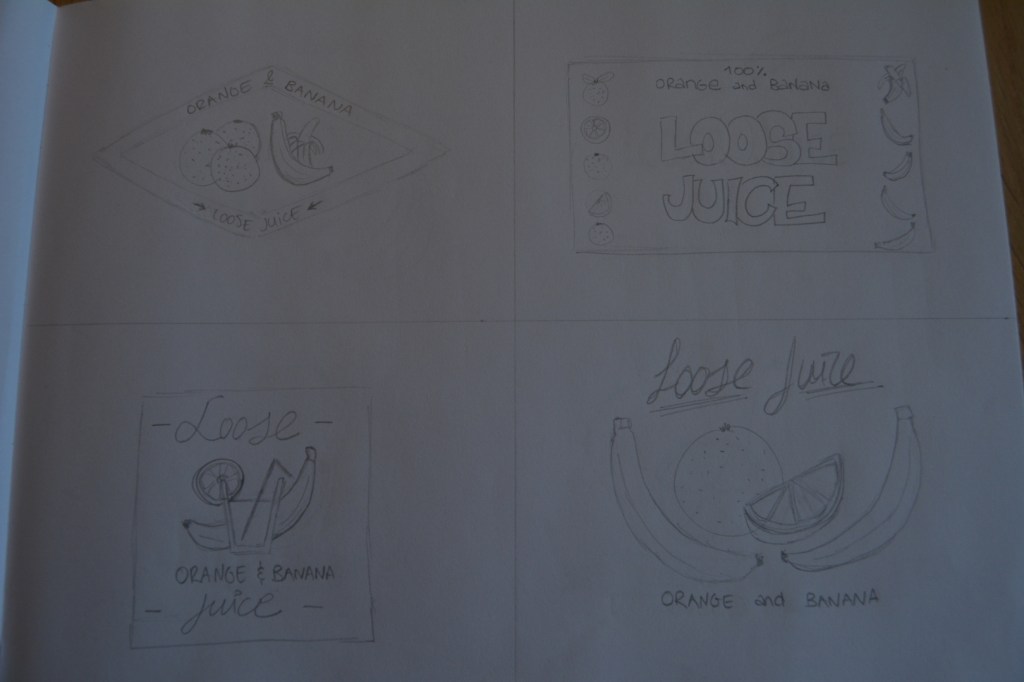
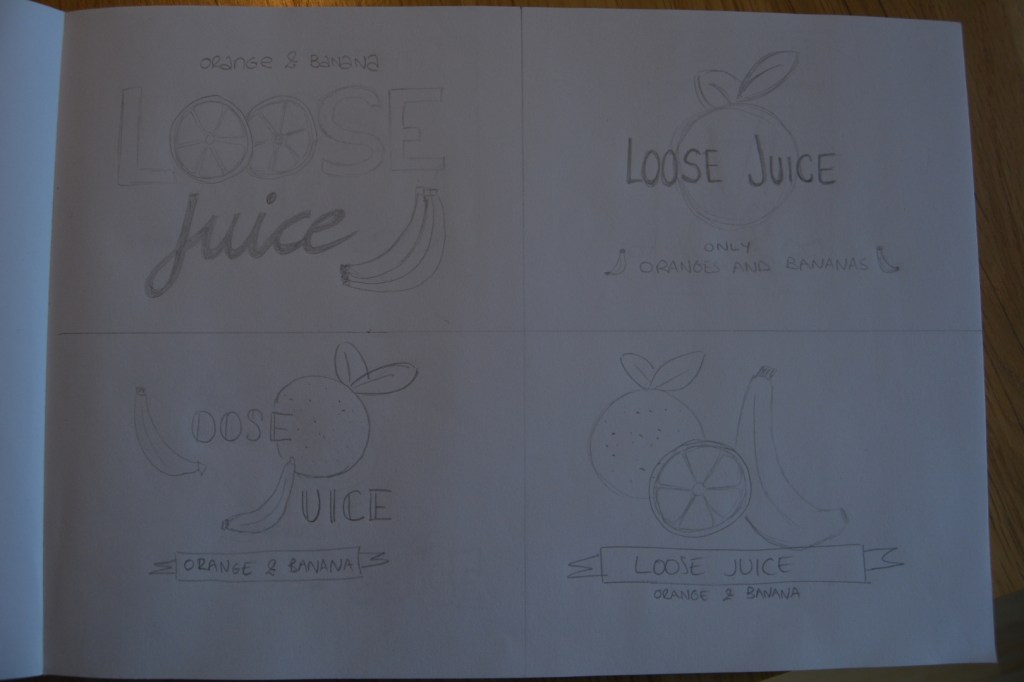
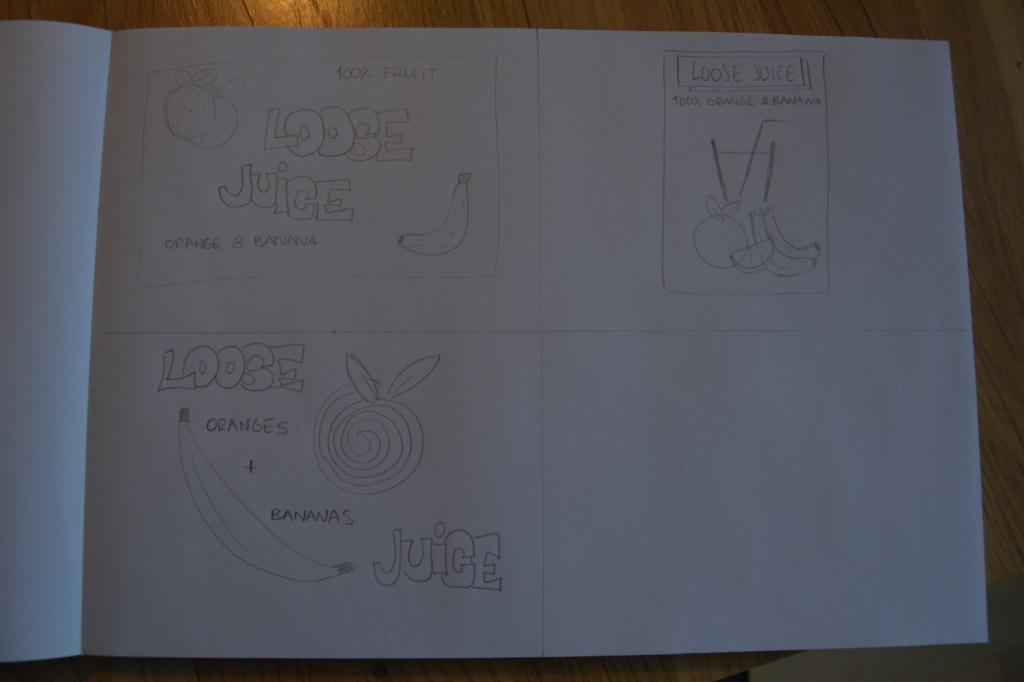
Firstly, I draw 15 sketches of the label. All of them include the fruit, the name of the flavour and the name of the product. It was an interesting process. In the beginning, I thought I wouldn’t be able to come up with 15 different ideas, but after a while, it was exciting to see how easily new concepts came to my mind. This assignment made me realise how essential sketching is for a designer. It’s a good practice that I will try to incorporate into my routine. These are my sketches:
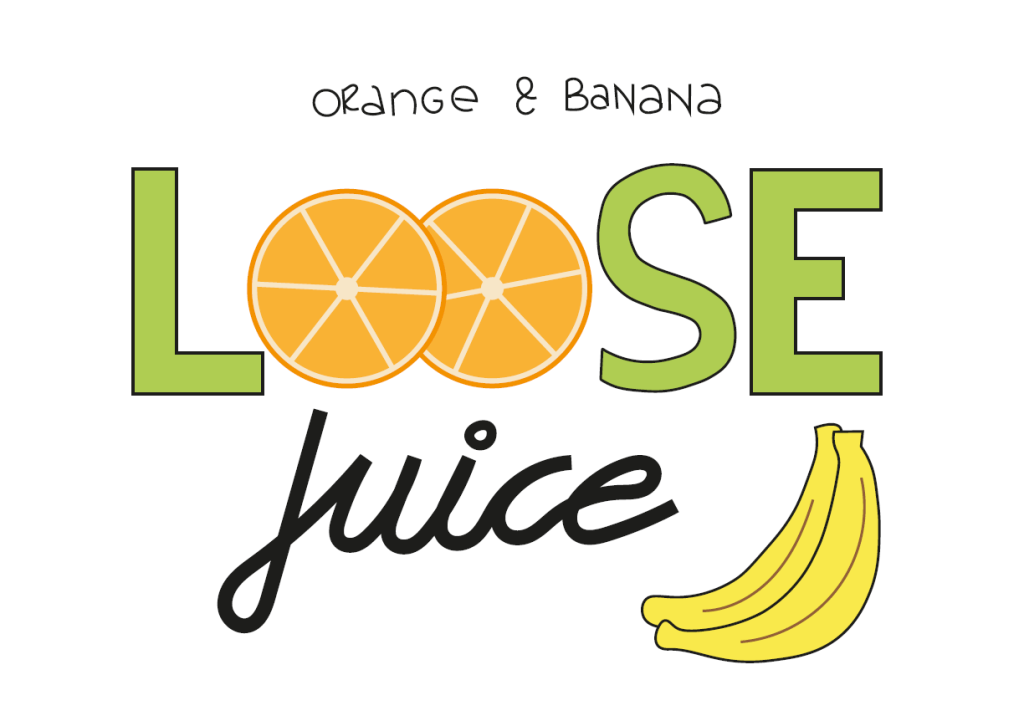
Then, I picked the design I liked the most and drew the label using Adobe Illustrator. This is the final result:
Label illustration
This is the first time I use Adobe Illustrator, and it took me a while to be able to make the drawing. At the same, the task was easy enough to allow me to experiment and try the different tools I learned in the tutorials during the last couple of weeks. It didn’t become frustrating or too difficult; it was actually a fun challenge!
Learning how to use Moodle -our online campus- has been more challenging than I anticipated. Although I had used other studying online platforms and even forums before, it wasn’t very easy to navigate Moodle and find what I needed at first.
Fortunately, it got easier the more I used it, and I feel more confident finding my way around now.
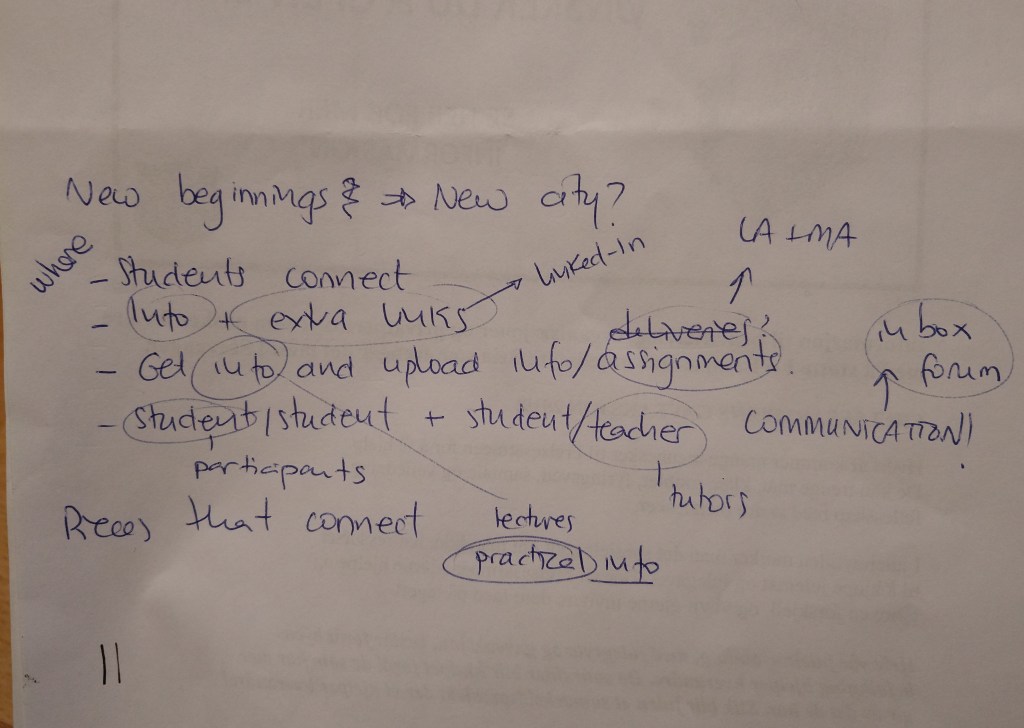
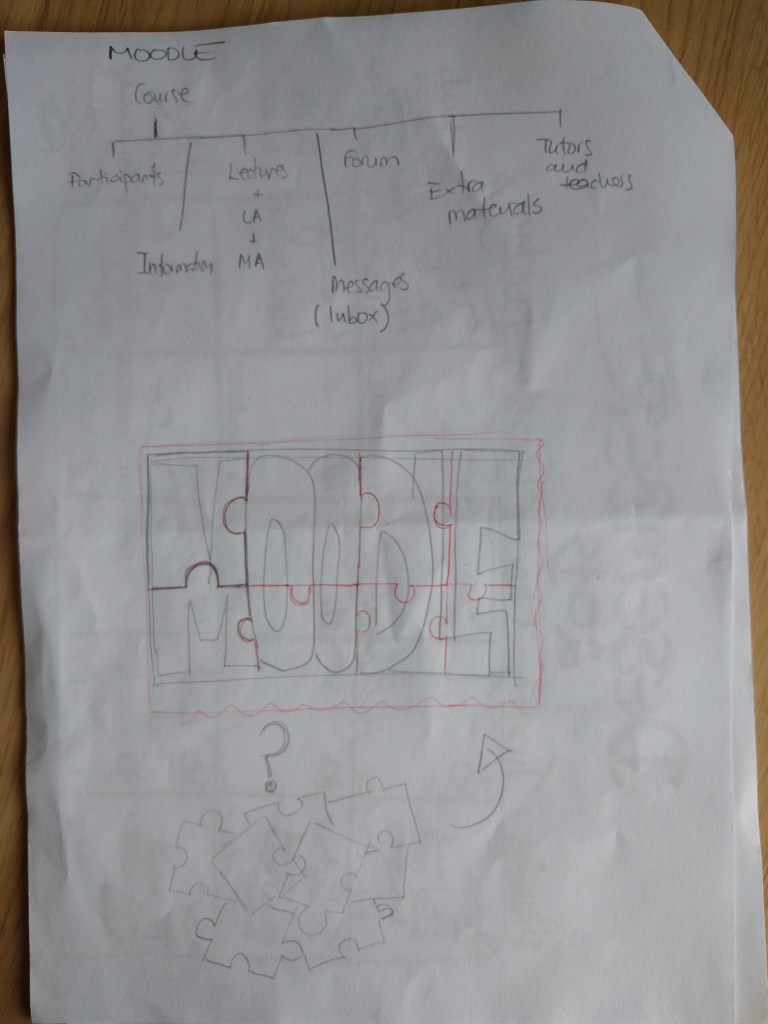
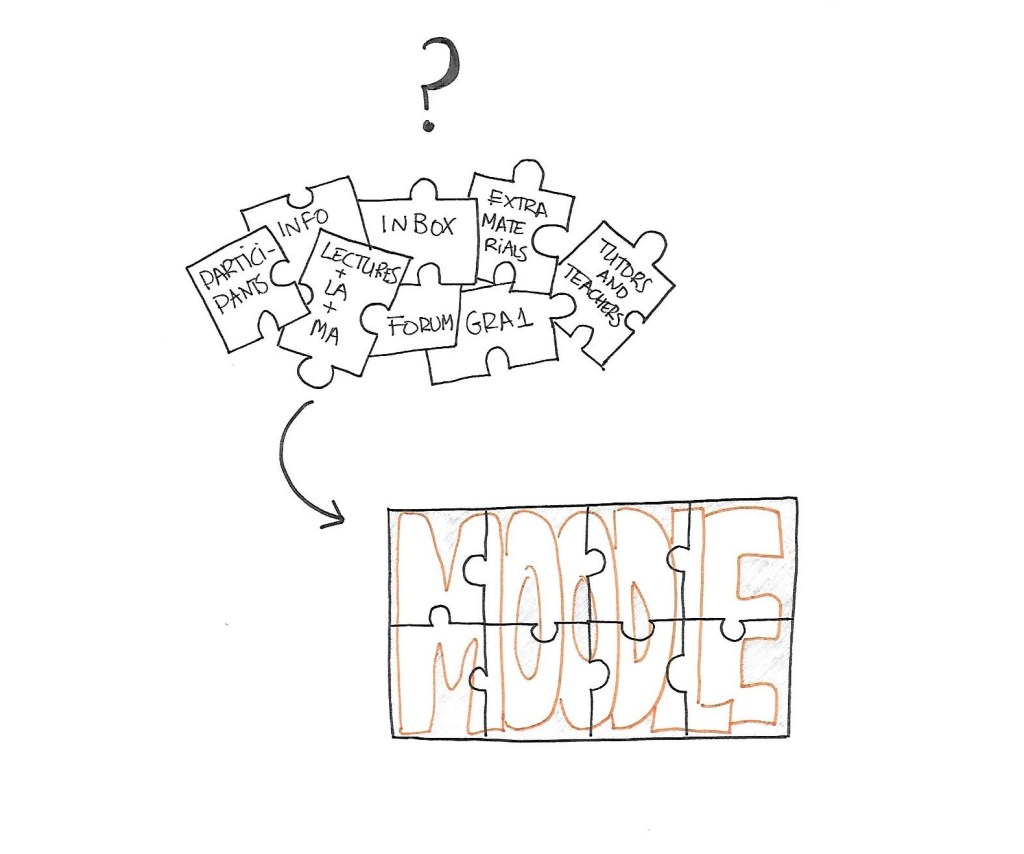
I started brainstorming and saw the different parts of Moodle. In my view, the platform can be divided into these 8 parts:
GRA1 – the course itself
Participants – students
Lectures + LA + MA – Weekly lessons, learning activities and mandatory assignments
Inbox – messages with other students and teachers/tutors
Forum – for communication and project submissions
Extra materials – such as LinkedIn learning platform and Dawsonera.
Info – practical information, guidelines, semester plans…
Tutors and teachers
In a way, it reminded me of a puzzle: you have a pile of pieces that are not connected, and you have no idea how to put them together. After a while, you start studying their shape and how they can fit together, trying to pair them until they perfectly match. Once you have organized all the pieces, you can see the whole picture.

 Mónica's Design Journey